Linkerly · Bookmarks for Android
Every link you meant to come back to.
Linkerly is a calm, private home for what you find online. Save from any app in a tap, keep it in order, and find it again in a second.
- Local-first
- No account
- No tracking
- android/arch on GitHub
- Shots on Dribbble
- Watch later on YouTube
- Weekly on Substack
- Reading list in Notion
- Moodboard on Pinterest
- Focus mix on Spotify
- That thread on X
- Design system in Figma
- r/androiddev on Reddit
Too many tabs
Your links live everywhere. Except where you look.
A tab you swore you’d read. A repo in a group chat. A video saved in three different apps. The good stuff gets buried the moment you find it.



 Watch later
 android/arch
 Reading list
 Design system
 Shots
Shots Moodboard
 r/androiddev
 Focus mix
 Weekly
 That thread
01 · Save
One tap from anywhere.
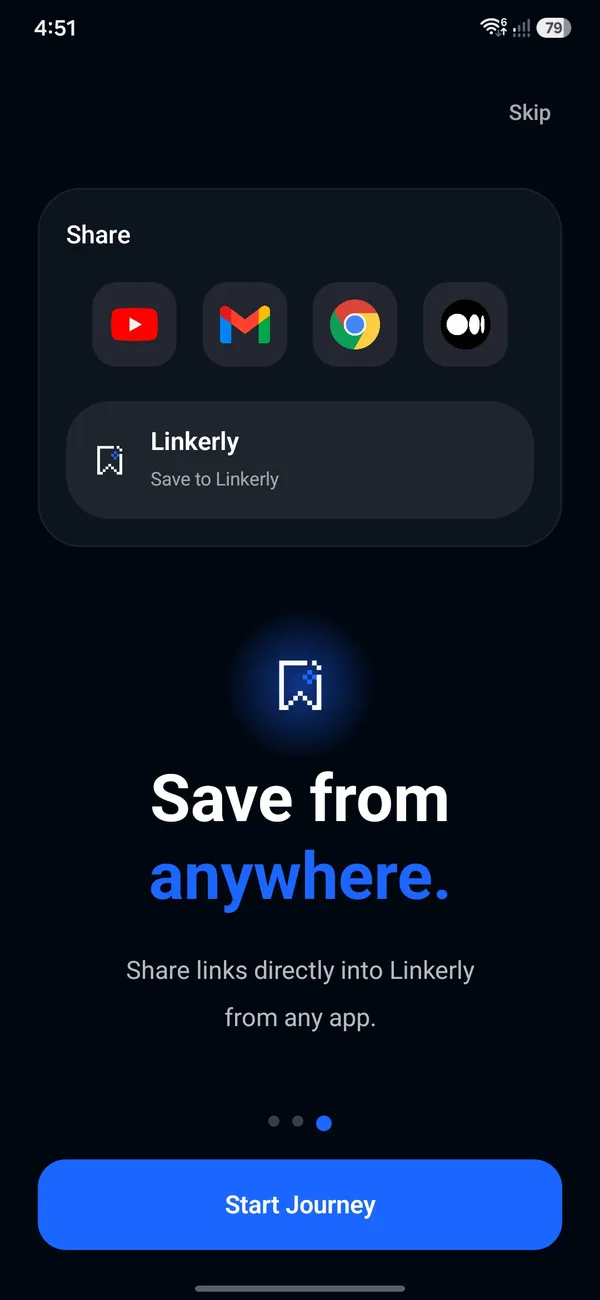
However a link reaches you, there’s a fast way in. Linkerly fetches the title, image and site for you, so every save looks like something worth coming back to.


Share sheet
Tap Share in Chrome, YouTube, Reddit, X or any app, and pick Linkerly. Done.
Clipboard detection
Copied a link? Linkerly notices when you open it and offers a one-tap save.
Home-screen widgets
Save or paste a link straight from your home screen, without opening the app.
Quick add
Paste a URL and watch the title, image and site fill themselves in.
android/architecture-samples
github.com/android/architecture-samples
Share to
 Gmail
Gmail Chrome
 WhatsApp
 Telegram
- X
- Notion
 Discord
02 · Organize
Order, on your terms.
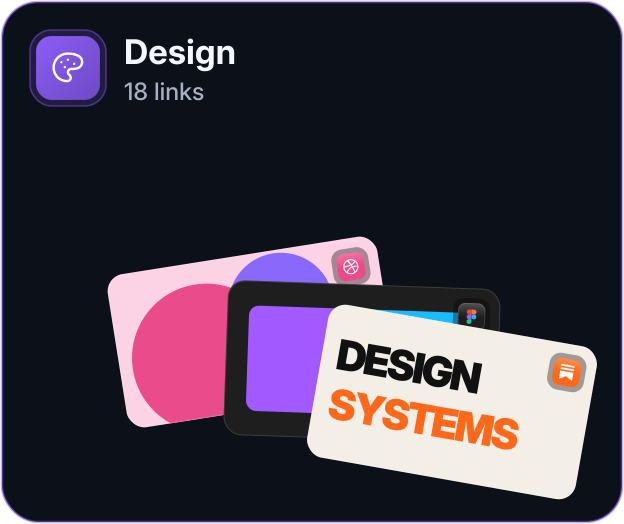
- Design
 18
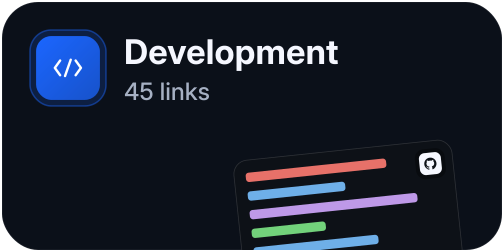
18 - Development
 45
45 - Inspiration
 23
23 - Read Later
 39
39
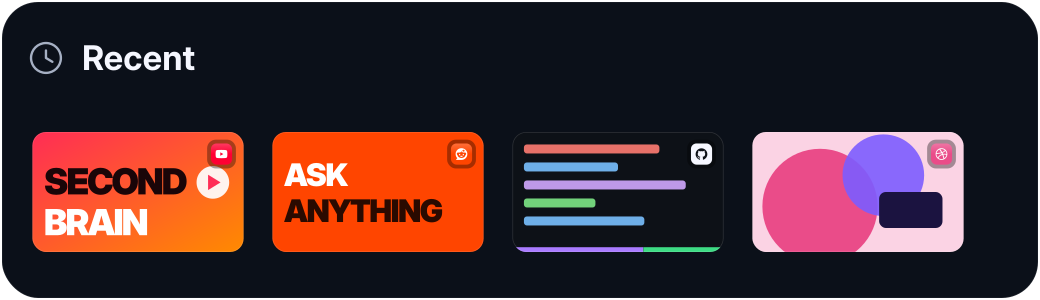
Folders inside folders, tags that cut across them, and pins for the few things that matter today. Favorites, Read Later and Recent keep themselves up to date.
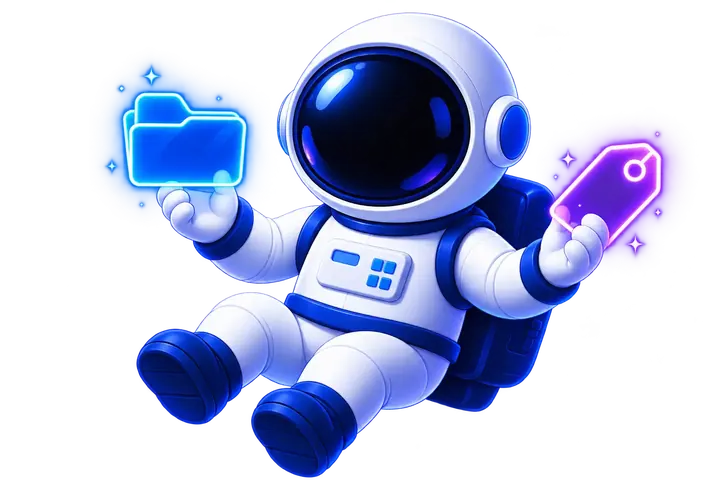
Folders inside folders
Nest as deep as you like. Breadcrumbs take you back up in one tap.
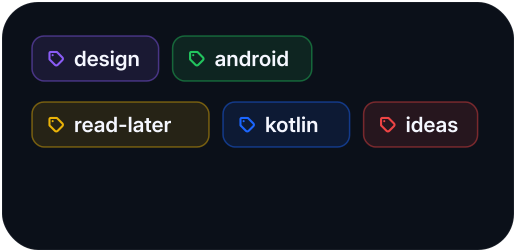
Tags that cut across
One link, many contexts. Filter by any mix of tags.
Pins and favorites
Keep the few that matter today at the top of everything.
A real read-later queue
With reading-time estimates, and reminders when you want a nudge.


03 · Discover
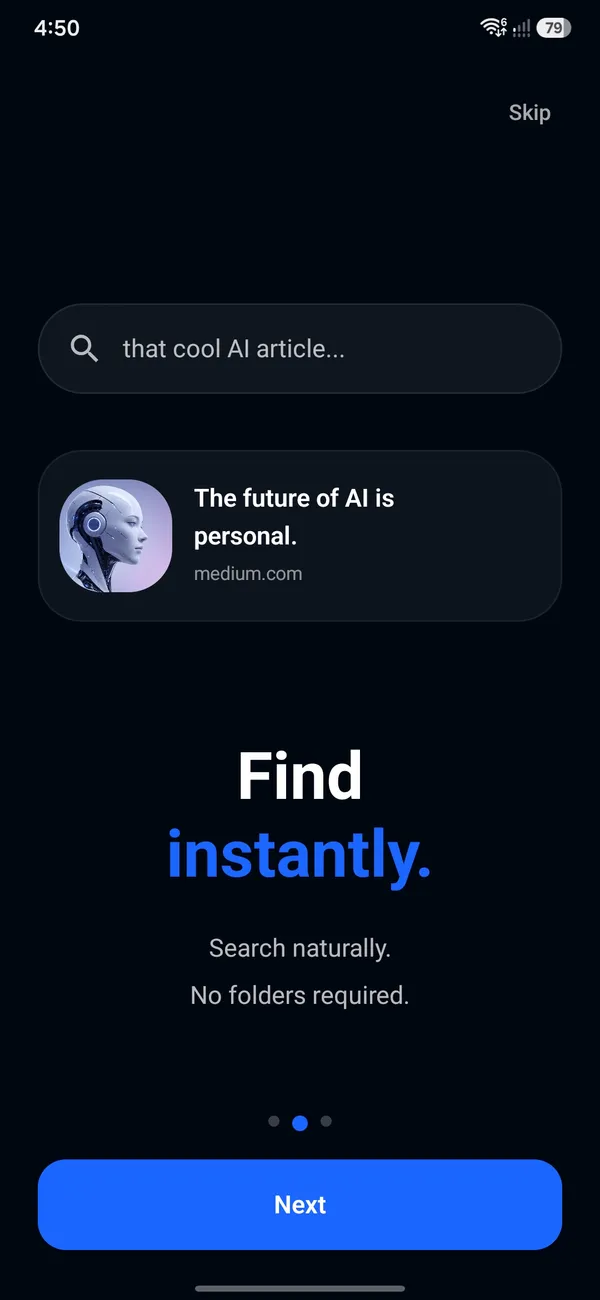
Type a word. There it is.
Search runs entirely on your phone, across titles, sites, descriptions, folders and tags. No round-trip to a server and no spinner, just results as fast as you type. Try it.
Building a scalable design system
figma.com · #design #systems
Design systems, every week
substack.com · #design #newsletter
android/architecture-samples
github.com · #android #kotlin
How I built a second brain
youtube.com · #productivity #notes
Ask anything: dev setups
reddit.com · #android #setup
Component library starter kit
figma.com · #design #ui
Deep Focus — 4 hours
open.spotify.com · #focus #music
Onboarding shots, collected
dribbble.com · #design #inspiration
Night drive — a short film
vimeo.com · #film #inspiration

Inside the app
Quiet by design.
No feed, no streaks, no badges begging for attention. Just your links, kept beautifully, with motion and haptics that make every save feel solid.
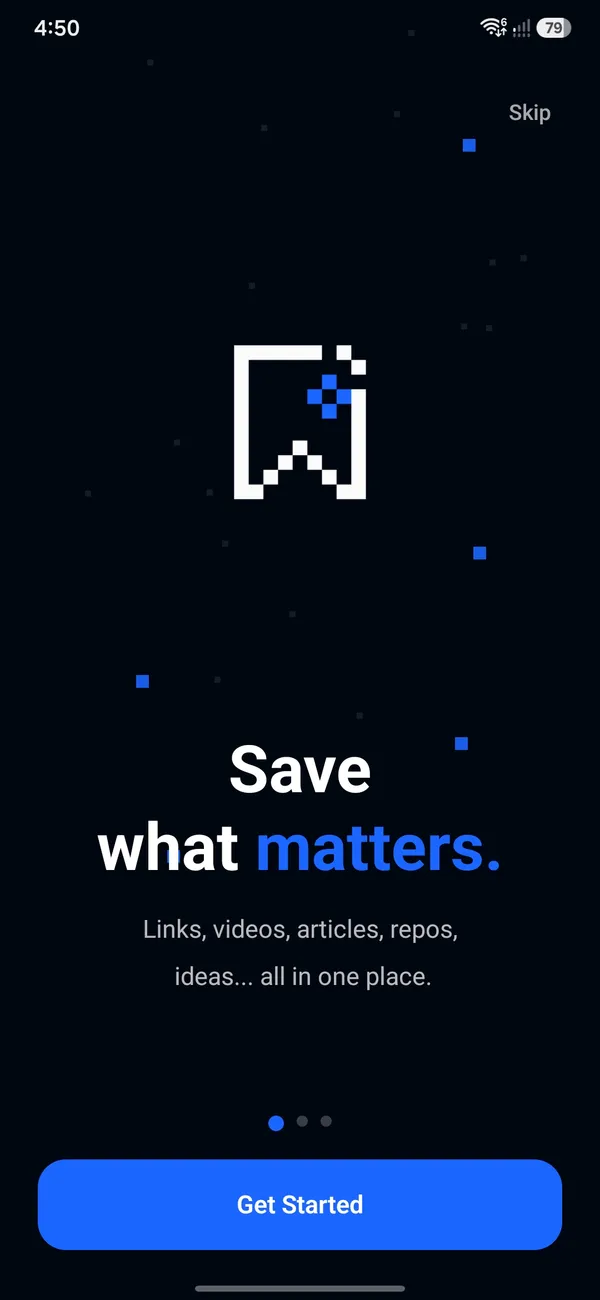
01 Welcome
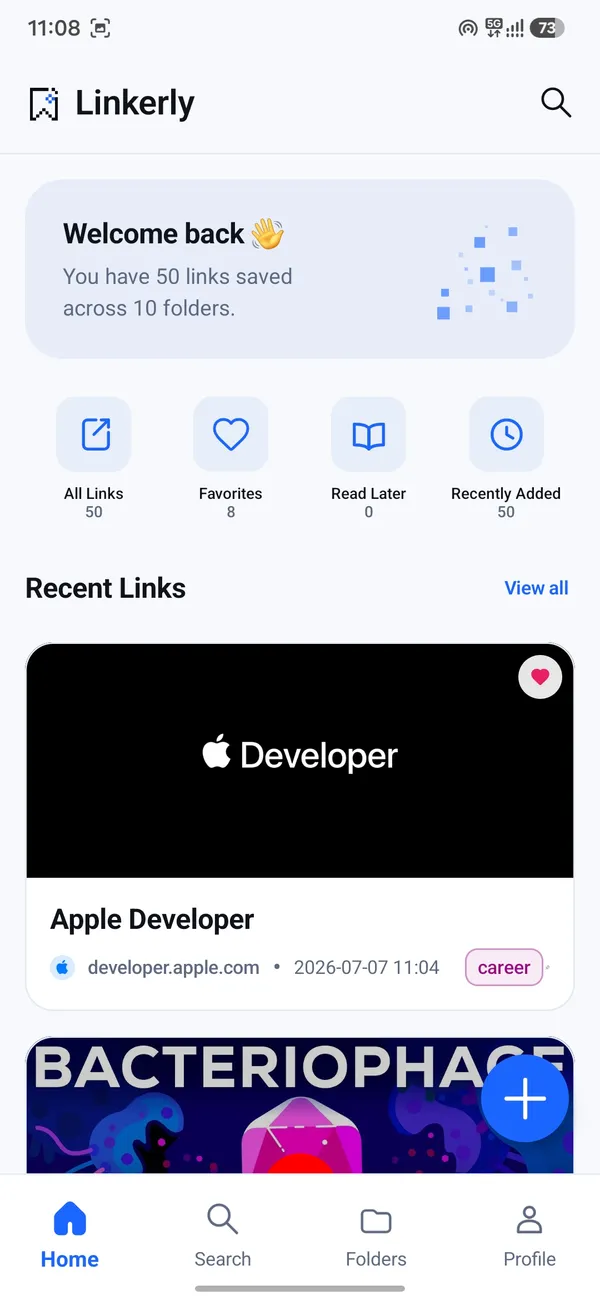
02 Home
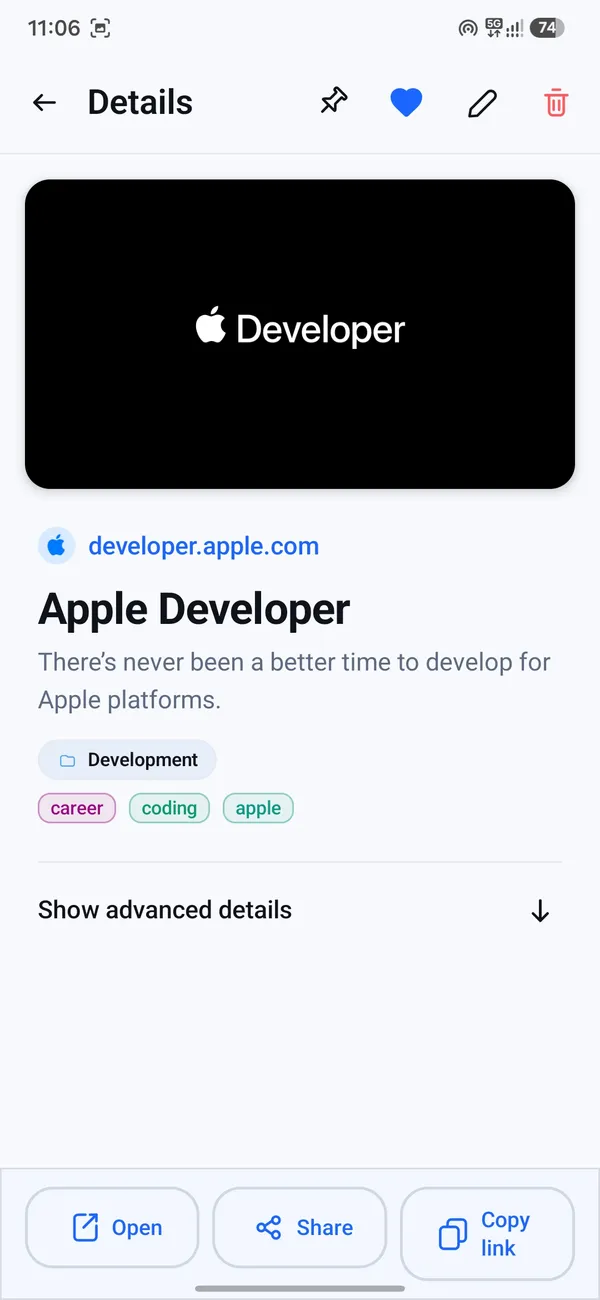
03 Link details
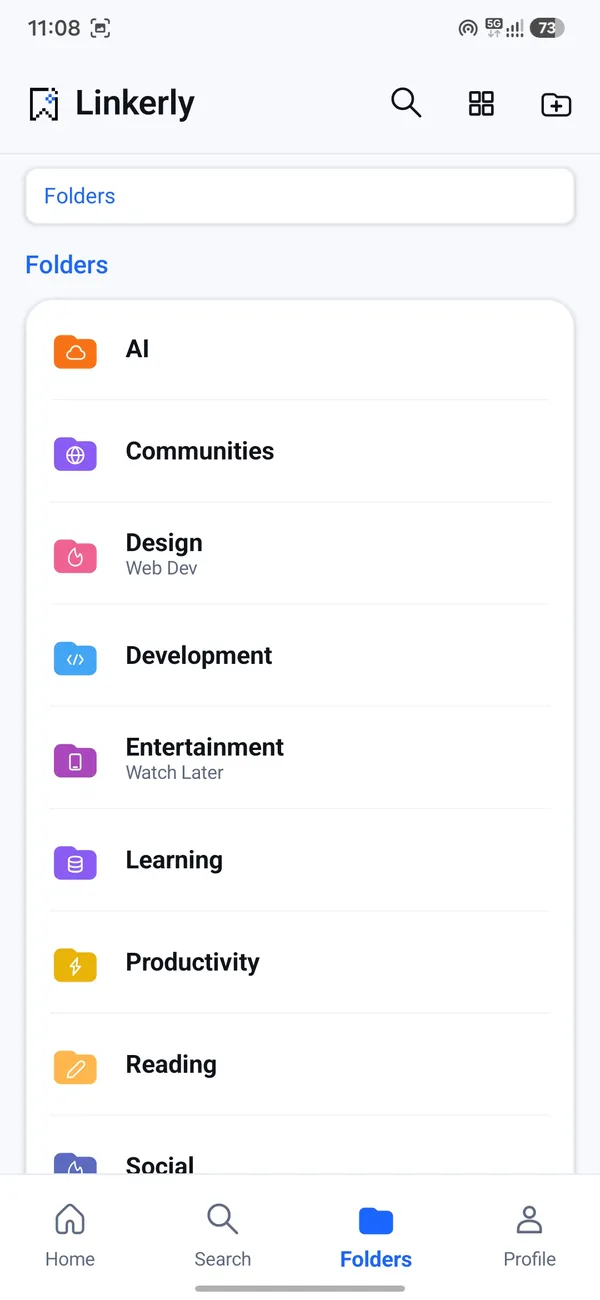
04 Folders
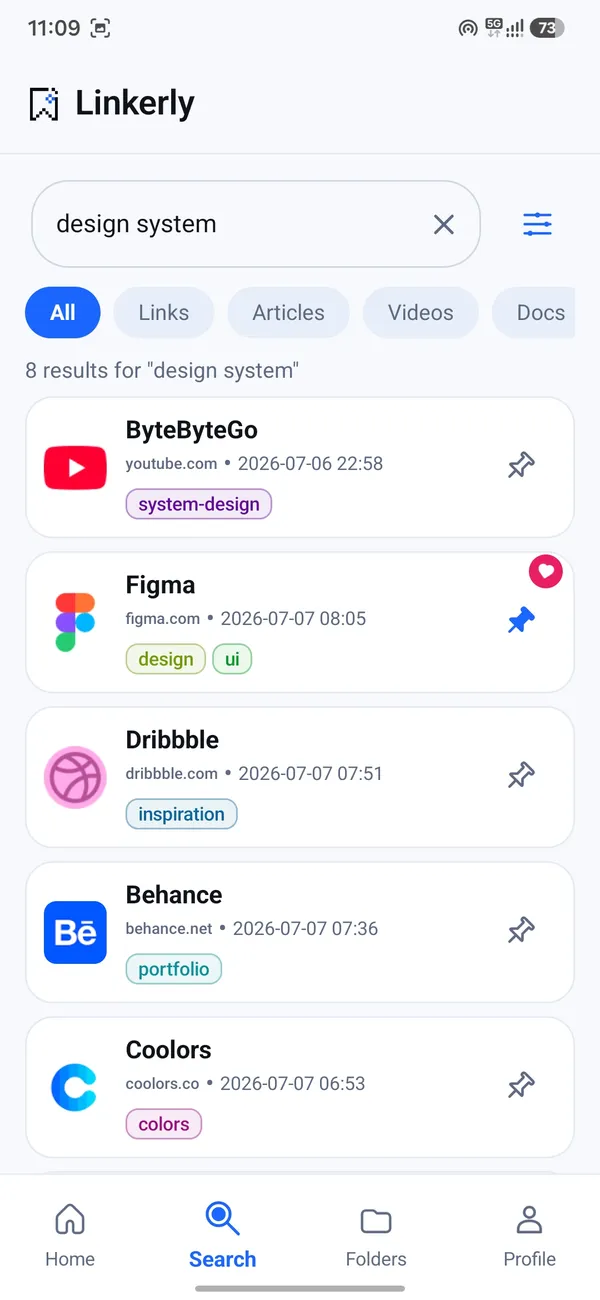
05 Search
06 Organize
07 Private


Private by design
Yours. Only yours.
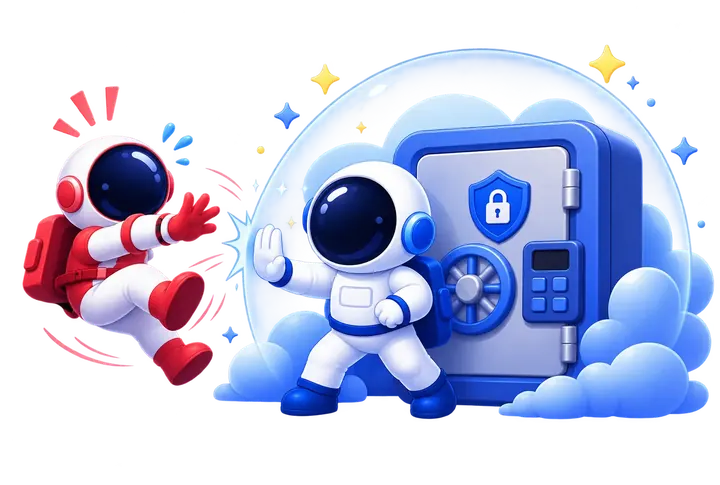
Linkerly was built offline-first, not offline-tolerant. What you save stays on your phone unless you decide otherwise.
Local-first
Your whole library lives in a database on your device. It opens instantly, and you can browse and search it in airplane mode.
0
Trackers, ads or analytics
Only anonymous crash reports, and never your links.
No account
Install, open, save. No sign-up, no email, no password.
Leave anytime
Import browser bookmarks as HTML. Export everything as JSON.
Hidden vault
Lock private links behind your fingerprint. They stay out of your feeds, search results and exports until you unlock them.
Encrypted backup
Turn on backup and your library is encrypted on your phone (AES-256), then stored in your own Google Drive. We never see it.

Gentle reminders
In 1 hourTonightTomorrow morningNext weekOptional
Linkerly Pro
Everything here is free. Pro adds handcrafted themes and alternate app icons, and helps keep Linkerly independent.
- Midnight OLED
- Cyberpunk Neon
- Blush Rose
- Modern Cream
- Material You
The film
Forty-five seconds. One idea.
Too many tabs, too many places, and one calm home for all of it. Sound on.
Questions
Good to know.
Is Linkerly free?
Yes. Saving, folders, tags, search, reminders and backup are free, with no limit on how many links you keep. An optional Pro upgrade adds extra themes and app icons for people who want to support development.
Do I need an account?
No. Install it and start saving. There is no sign-up, no email and no login screen standing between you and your links.
Where are my links stored?
On your phone, in a local database that works fully offline. If you turn on backup, it is encrypted on your phone first and stored in your own Google Drive, where only you can restore it.
Can I bring my browser bookmarks?
Yes. Export bookmarks from Chrome, Firefox, Safari or most other browsers as an HTML file, then import it from Linkerly’s settings. Folders come along with them.
Can I take my data with me?
Always. Export your whole library as JSON whenever you like. Your links are yours, and leaving should be as easy as arriving.
Does Linkerly track me?
No. There are no analytics and no advertising SDKs, and nothing you save leaves your phone unless you back it up. The only diagnostics are anonymous crash reports, which never include your links.
Does Linkerly work offline?
Yes. Your library, folders, tags and search all work without a connection. Linkerly only goes online to fetch a page’s title and preview image when you save it, and for backups you turn on yourself.
Who makes Linkerly?
Linkerly is designed and built by Bhaskar Patel and published by Amurot. Questions and feedback go straight to help@amurot.com.
Is there an iPhone or desktop version?
Linkerly is Android-only for now, built natively for phones, tablets and foldables.

One place for everything worth keeping.
Free on Google Play for Android phones, tablets and foldables.